
Getting started
Crystade creates a personal team for you when you sign in. You finish a short onboarding flow on that team, then you can invite teammates on a collaborative team when you need shared access.
Sign in
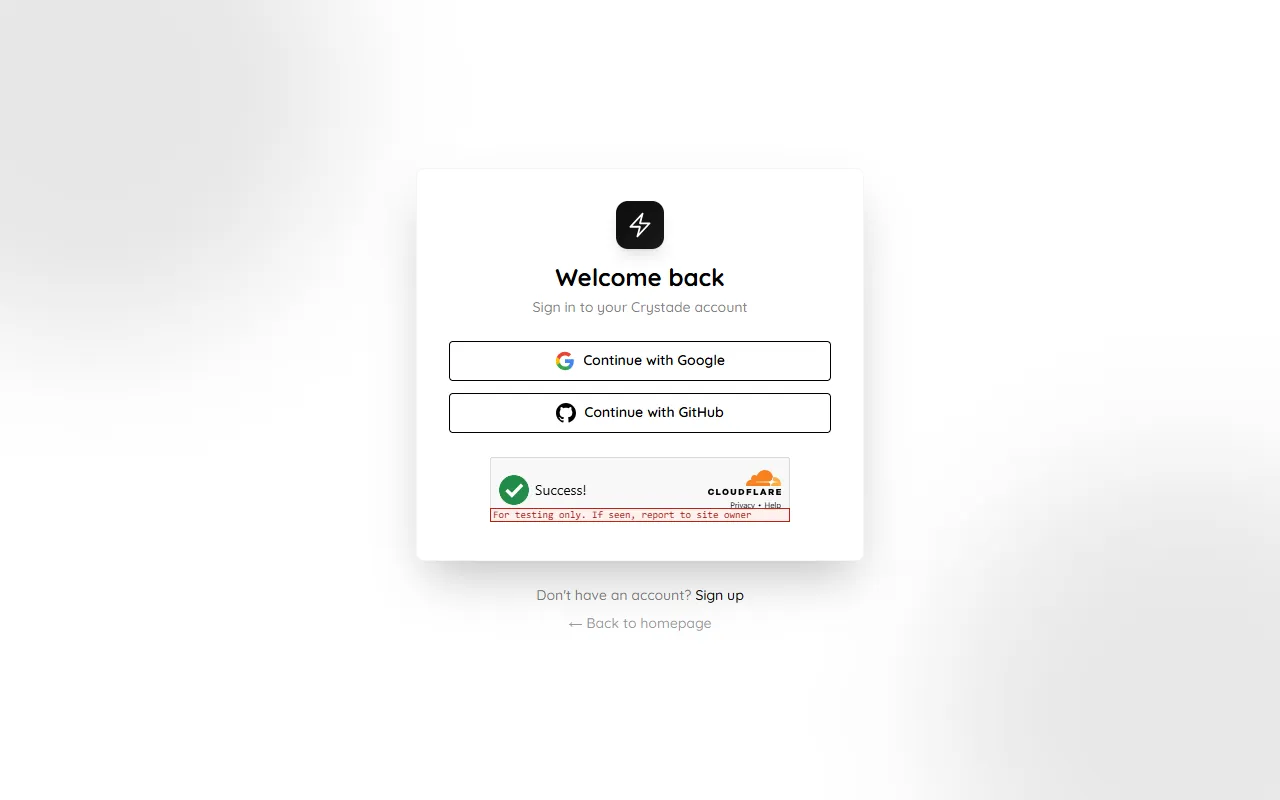
Section titled “Sign in”You create an account with Google or GitHub. Crystade does not support password sign-in.
-
Sign in with Google or GitHub.
-
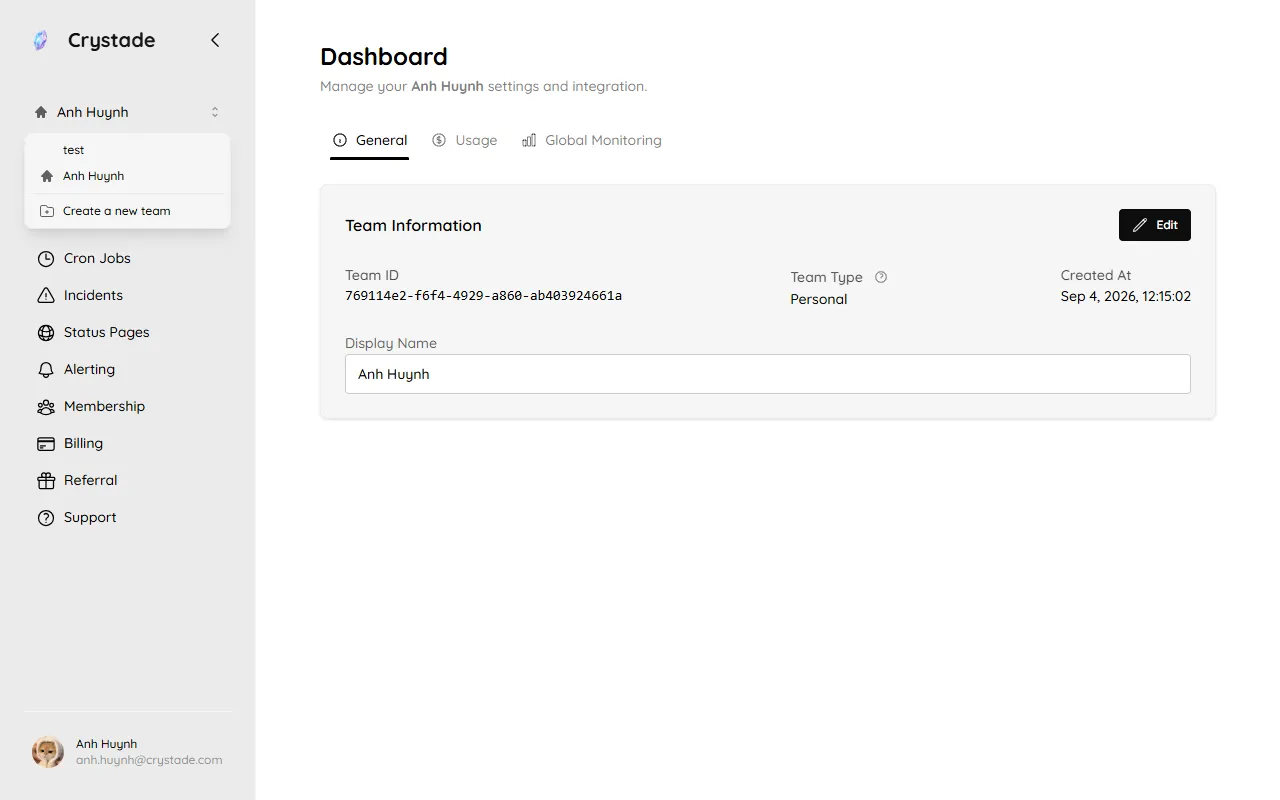
Open your personal team. Crystade creates this team automatically. Use it for solo work, experiments, or private resources. Switch teams from the name at the top of the sidebar.
-
Complete onboarding. New accounts answer a required survey, then create a real monitor or cron job on the personal team. Crystade runs that resource immediately so you see a result without waiting for the next schedule interval.
Invited members who join an existing team do not go through onboarding. Accounts that already existed when onboarding shipped are not prompted again.
Work with a team
Section titled “Work with a team”Collaborative teams keep resources, member access, and billing grouped together.
-
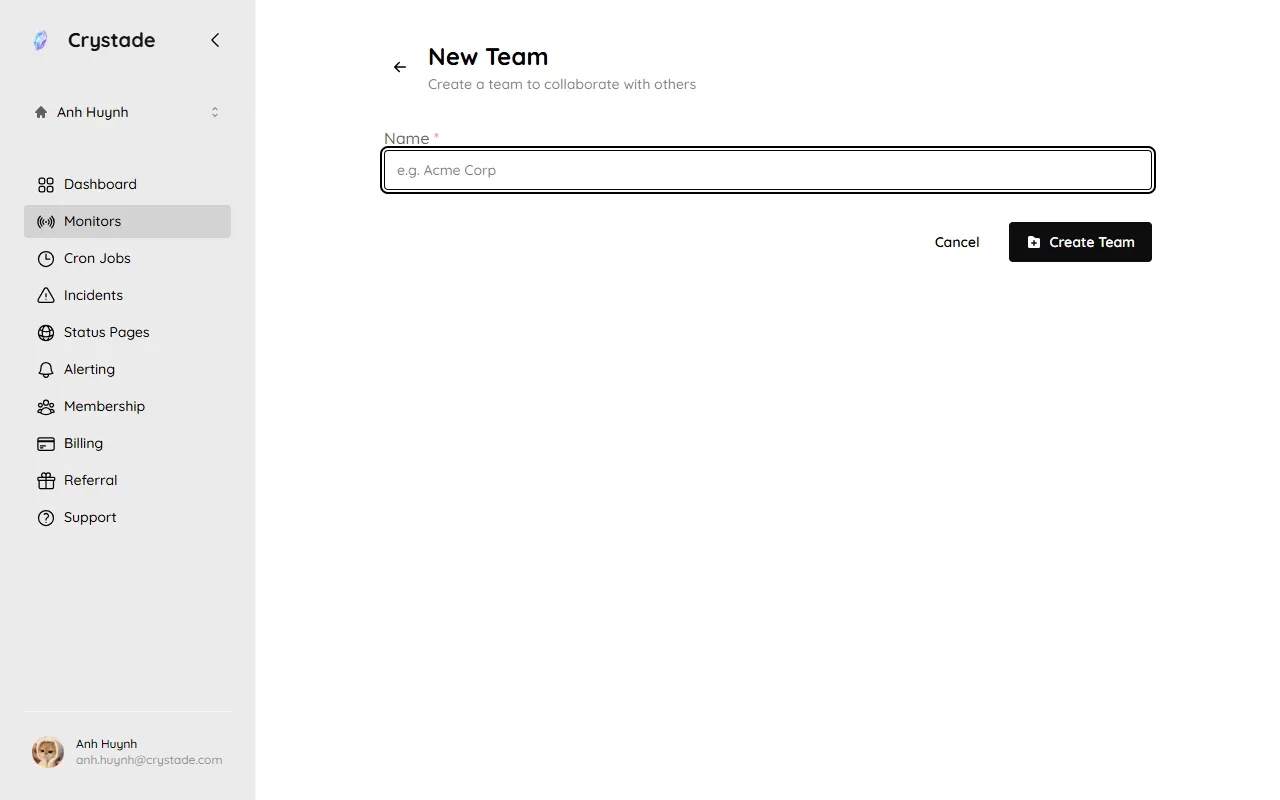
Create a team from the team switcher (Create a new team). You become the owner and billing admin.
-
Invite teammates by email from Membership. Invites expire after 24 hours.
-
Assign roles so trusted teammates can help manage the team.
You can create at most 5 teams. You can join at most 30 teams that you did not create. There is no limit on how many members a team can have.