
Name resources clearly
Use names that identify the service, environment, and purpose of each cron job or monitor.
A resource is something your team manages in Crystade, such as a cron job, monitor, alert webhook, or status page.
Resources belong to a single team. This keeps access, billing, and history clear for everyone using that team.
When you create a resource, it is attached to the currently selected team. The Dashboard shows that team’s information; cron jobs, monitors, and other resources live in their own sidebar pages.
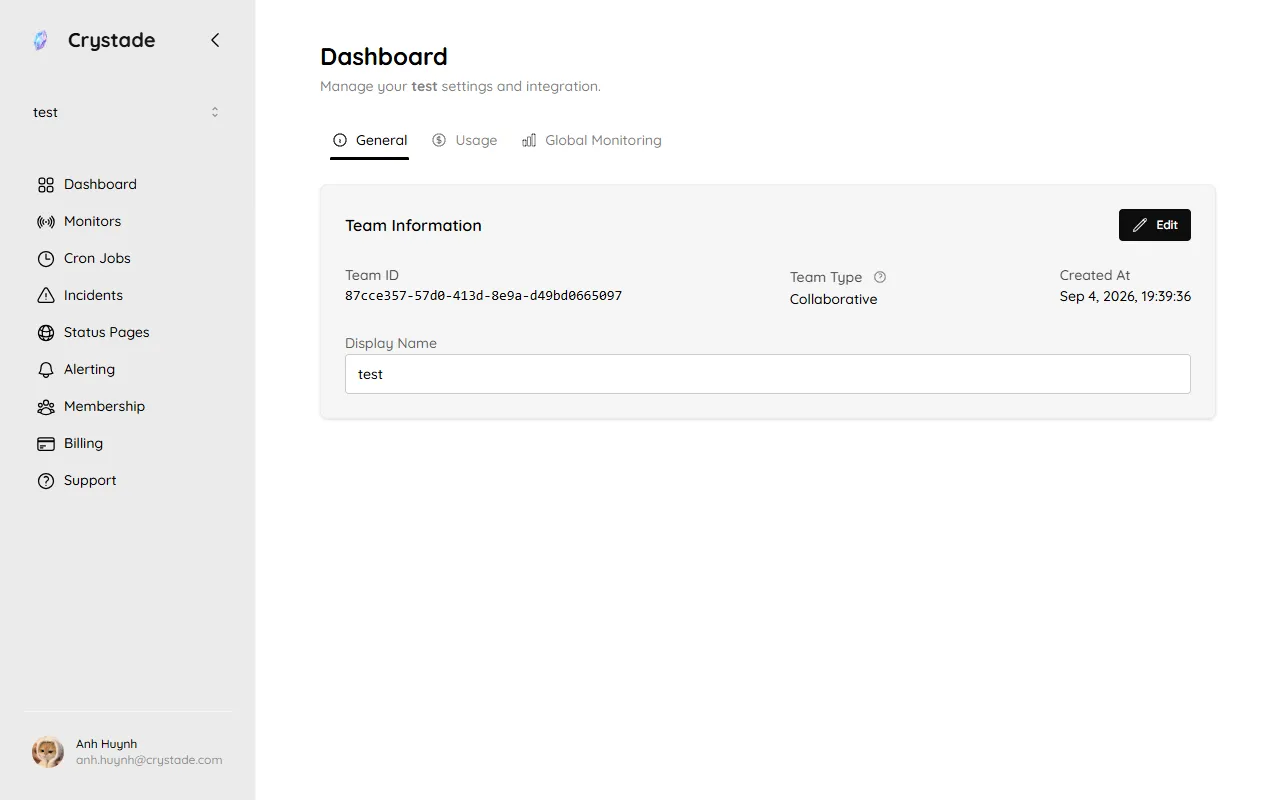
This means:
Resources support delete from the product, not a restore flow. After you delete a resource, the deletion takes permanent effect. You cannot move a deleted resource to another team.
Your team’s plan and addons determine how many resources you can run. Capacity is calculated per resource type.
For example:
See the plan limits reference for current numbers, and How capacity pauses work for how surplus resources are selected.
If your team downgrades a plan or removes an addon, capacity may become lower than your current usage.
Crystade preserves your resources and history. Resources above the new capacity are paused until capacity is available again.
Paused resources:
A team cannot create new resources of that type while total countable resources are at or above capacity. Disabling a resource or leaving it paused does not free a slot. Only delete frees a slot for a new create.
Name resources clearly
Use names that identify the service, environment, and purpose of each cron job or monitor.
Separate environments
Keep production and staging resources separate when they have different owners or billing needs.
Review unused resources
Remove resources that are no longer needed to keep capacity and dashboards clean.